
 +971 50 945 1020
Enterprise WiFi Deployment for UAE Schools: Classroom Coverage Guide
By Netbiz Technology LLC · 9 September 2026
A UAE school classroom with 30 students all running a learning management system, streaming educational videos, and video calling a teacher simultaneously is one of the most demanding WiFi environments possible. Every seat needs reliable connectivity; a single dead zone generates a queue of students at the teacher's desk. Getting the WiFi right is as important as the hardware in the classroom itself.
Device Density in UAE School Classrooms
Modern UAE schools — particularly those following British curriculum or international programmes — operate 1:1 or near-1:1 device programmes. Thirty students in a classroom means 30 laptops or tablets, plus the teacher's device, plus any interactive display or smart board. That is 31–35 devices in a space of roughly 600–800 sqft.
Standard WiFi 5 APs rated for 25 clients begin to show congestion at 30–35 devices. The symptoms are familiar: everyone loads the LMS slowly at the start of a lesson, video streams buffer, and assessment tools time out. WiFi 6's OFDMA technology is specifically designed for this scenario — serving 30+ clients simultaneously rather than cycling through them.
BYOD Challenges: Managing Unknown Devices
Many UAE schools run BYOD (Bring Your Own Device) programmes where students use their personal tablets or laptops. This creates two network challenges:
- Device heterogeneity: a mix of iPads, Windows laptops, Android tablets, and Chromebooks all connecting simultaneously
- Security: personal devices may carry malware or access inappropriate content on the school network
- Rogue hotspots: students creating personal hotspots that interfere with the school WiFi
- Device authentication: ensuring only enrolled devices connect to the staff and academic network
The solution is separate network segments (VLANs) for different user classes, with appropriate policies applied at the network gateway.
Student vs Staff VLAN: Essential Network Segmentation
A UAE school network should have a minimum of three network segments:
- Student VLAN: WiFi access for student devices, filtered through content filtering gateway, bandwidth limited per device, client isolation enabled
- Staff VLAN: WiFi and wired access for teacher and administration devices, access to internal systems (student management, finance), not subject to content filter
- Guest VLAN: For parent events, school tours, visiting speakers — no access to internal systems
The Huawei eKit platform supports multiple SSIDs mapped to separate VLANs, all configured through the eKit app. Students connect to the 'Students_WiFi' SSID (WPA2-PSK with a shared class code, or 802.1X if the school has a RADIUS server); teachers connect to 'Staff_WiFi' with a separate credential.
Content Filtering for Student Network
The UAE's Telecommunications and Digital Government Regulatory Authority (TDRA) requires filtering of certain content categories. For schools, additional filtering for social media, gaming, and adult content is standard practice. Content filtering is implemented at the gateway/firewall level, not at the AP — the AP simply routes student traffic to a VLAN that passes through the filtering appliance before reaching the internet.
DNS-based filtering (e.g., Cisco Umbrella, Cloudflare Gateway, or similar) is the most cost-effective approach for UAE schools. Configure the student VLAN's DHCP server to assign the filtering DNS resolver IP; all DNS queries from student devices are then inspected and blocked categories are not resolved.
AP Per Classroom vs Corridor Deployment
Dedicated AP Per Classroom (Recommended)
The recommended approach is one WiFi 6 AP per classroom, ceiling-mounted in the centre of the room. With 30+ devices in a small space, having the AP inside the room rather than in the corridor eliminates the wall attenuation problem and ensures every student gets the same signal quality. The AP handles only one classroom's worth of clients, so throughput per device is excellent.
Corridor AP Covering Multiple Classrooms
If budget or cabling constraints prevent a per-classroom approach, a corridor AP can cover two to three classrooms on each side through drywall or blockwork partitions. The limitation: a single corridor AP now handles 60–90 devices when multiple classes are in session simultaneously. Even a WiFi 6 AP will show throughput degradation at these client counts under simultaneous load.
Huawei eKit for UAE Schools: Hardware Recommendation
| Location | Recommended AP | Notes |
|---|---|---|
| Standard classroom | Huawei AP371 (ceiling) | WiFi 6, handles 30+ clients comfortably |
| Computer lab | Huawei AP371 (ceiling) | One AP per lab (50+ devices) |
| School library | Huawei AP371 | Open space, 1 AP per 1,500–2,000 sqft |
| Staff room / admin | Huawei AP371 | Lower density, higher throughput needed for admin systems |
| Outdoor areas | Outdoor-rated AP with IP67 | For covered outdoor learning areas |
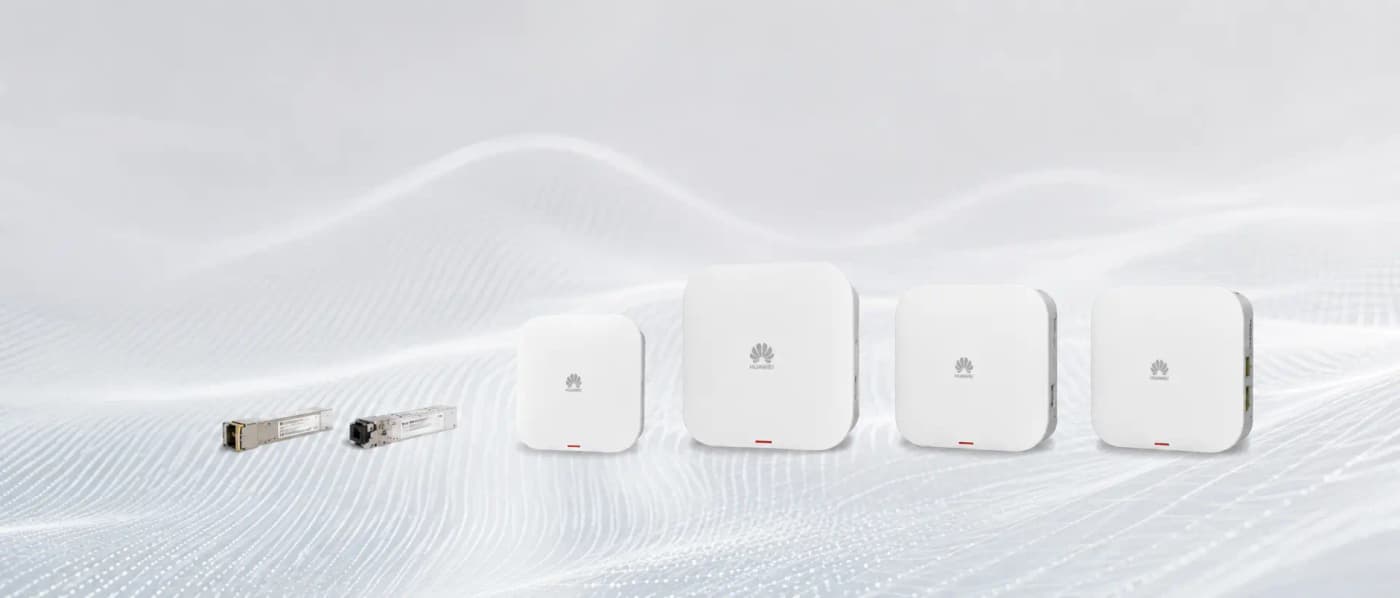
The Huawei eKit S310 24P PoE switch is the floor distribution switch — one per floor or wing, providing power and connectivity to all classroom APs. The entire school is managed from the eKit cloud app, accessible on the IT coordinator's phone or desktop. No on-premise controller hardware is required for deployments under 100 APs.
Netbiz Technology LLC has supplied WiFi infrastructure to UAE schools and educational campuses. Contact us on WhatsApp for a school WiFi assessment and a proposal tailored to your curriculum requirements.
Get a School WiFi Proposal