
 +971 50 945 1020
How Many Network Switches Does My Business Need?
By Netbiz Technology LLC · 2 September 2026
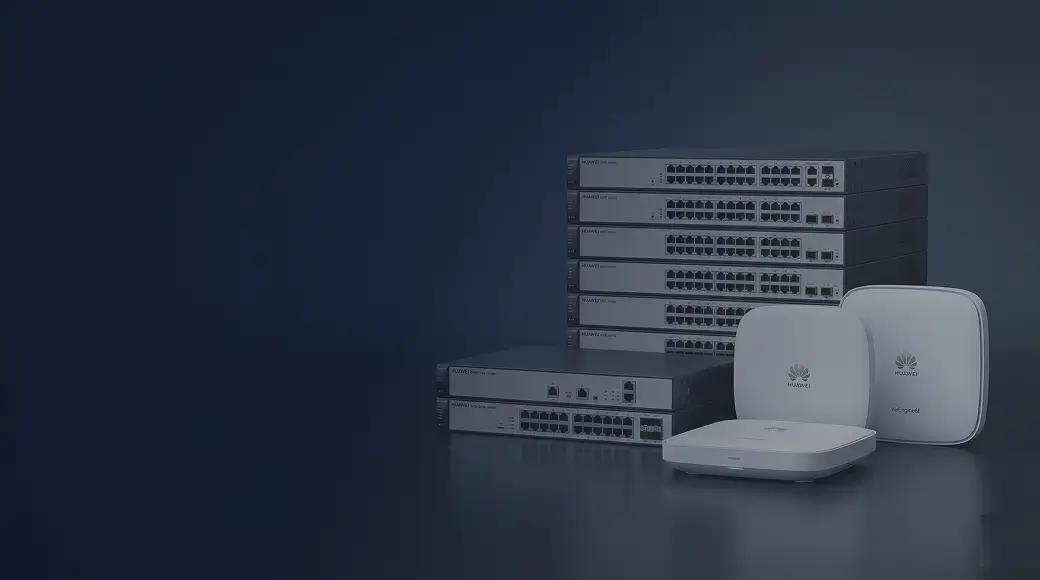
The number of network switches your business needs is determined by three things: the total number of wired devices, the physical layout of your building, and whether you are using a flat network or a structured access/distribution/core design. For most UAE SMB offices, the answer works out to one switch per floor — sometimes two if the floor is large or device count is high.
Step 1 — Count Every Wired Device
Start with a device inventory. Count every device that needs a physical Ethernet port — do not assume something will use WiFi. Wired is always more reliable, and many devices (IP cameras, NVRs, VoIP phones, printers) require a wired connection.
- Desktop computers and workstations
- Wireless access points (each AP needs one wired uplink port)
- IP cameras (each camera needs one PoE port)
- NVR or DVR recording units
- VoIP phones
- Network printers
- Smart TVs, digital signage displays
- Servers, NAS devices, POS terminals
- Video conferencing systems
Step 2 — Add 20% Headroom
Never buy a switch at exact capacity. Add at least 20% extra ports to accommodate future devices, temporary connections during maintenance, and cabling mistakes. A switch running at 100% port utilisation gives you zero flexibility. If your device count is 18, buy a 24-port switch, not an 18-port (which does not exist) or a 16-port (which is too small).
Step 3 — Map Devices to Physical Locations
Network switches should be located in or near a network cabinet on each floor. Ethernet runs a maximum of 100 metres (Cat5e/Cat6). If your building has devices more than 90 metres from the nearest cabinet, you need either a second switch on that floor or a fibre extension. In UAE commercial buildings, the standard practice is one Intermediate Distribution Frame (IDF) cabinet per floor, fed by fibre from the Main Distribution Frame (MDF) in the ground-floor server room.
Step 4 — Plan Your Uplinks
Each floor switch needs an uplink port to connect to the core or aggregation switch. For small deployments, a gigabit copper uplink is fine. For high-traffic floors — server rooms, floors with multiple NVRs or many users — use a 10G SFP+ fibre uplink. Huawei eKit S310 and S530 switches both have SFP/SFP+ uplink ports for this purpose. Factor uplink ports into your port count — a 24-port switch with 2 SFP uplinks effectively gives you 22 usable access ports.
Worked Example: 50-Person Dubai Office
Let us work through a real-world example. A 50-person office in a two-floor building in Dubai Business Bay, with IP cameras and WiFi:
| Device Type | Count | Notes |
|---|---|---|
| Desktop computers | 40 | 20 per floor |
| Wireless access points | 8 | 4 per floor, ceiling-mounted, PoE |
| IP cameras | 12 | 6 per floor, PoE |
| NVR (recording unit) | 1 | Ground floor server room |
| Network printers | 4 | 2 per floor |
| VoIP phones | 20 | PoE, 10 per floor |
| Server / NAS | 2 | Ground floor |
| Total devices | 87 | Across 2 floors |
Floor 1 Switch Requirement
Floor 1 devices: 20 computers + 4 APs + 6 cameras + 2 printers + 10 phones = 42 ports needed. Add 20% headroom: 42 × 1.2 = 51 ports. Recommendation: one 48-port managed PoE+ switch (Huawei eKit S310-48P) with 2 SFP uplinks to the core. This leaves 46 access ports free after reserving 2 for uplinks — enough for all 42 devices with some spare.
Floor 2 Switch Requirement
Floor 2 devices: same as Floor 1 — 42 devices. Same recommendation: one Huawei eKit S310-48P.
Core / Server Room Switch
The server room needs a core switch that aggregates uplinks from both floor switches plus connects the NVR, servers, and NAS. Device count: 2 floor switches (uplinks) + NVR + 2 servers + NAS = 5 ports minimum. A non-PoE managed switch with SFP+ uplink capability is ideal here — the Huawei eKit S530 series handles multi-VLAN routing between floors and provides the high-speed uplinks. An 8-port or 16-port core switch is sufficient.
Total Switch Count for This Office
- 2× Huawei eKit S310-48P (one per floor, managed PoE+)
- 1× Huawei eKit S530 (core, server room, non-PoE or minimal PoE)
- Total: 3 switches for a 50-person, 87-device, 2-floor office
Quick Reference: Switch Count by Office Size
| Office Size | Floors | Devices (est.) | Switches Needed |
|---|---|---|---|
| 5–10 people | 1 | 15–25 | 1× 24-port managed PoE |
| 10–25 people | 1 | 30–60 | 1× 48-port managed PoE |
| 25–50 people | 2 | 60–100 | 2× 24/48-port access + 1× core switch |
| 50–100 people | 3–4 | 100–200 | 1 switch per floor + 1 core switch |
| 100+ people | 5+ | 200+ | Access + distribution + core (3-tier design) |
Common Mistakes to Avoid
- Buying exact port count with no headroom — you will need more ports within a year
- Forgetting uplink ports — they consume switch ports and reduce available access ports
- Not accounting for PoE budget — adding 20 cameras to a switch with a 185W budget will cause port shutdowns
- Placing a switch more than 90 metres from the furthest device — signal degrades beyond this distance on copper Cat6
- Using unmanaged switches for a multi-department network — you lose the ability to create VLANs and QoS later
Tell us your office size, floor count, and device types — Netbiz Technology LLC will calculate exactly how many Huawei eKit switches you need and provide a full bill of materials. WhatsApp us to get started.
Get Switch Recommendations