
 +971 50 945 1020
Enterprise WiFi for UAE Warehouses: Coverage, PoE, and Scanner Connectivity
By Netbiz Technology LLC · 6 September 2026
WiFi in a UAE warehouse is a different problem from WiFi in an office. The space is large, often 10,000–50,000 sqft, with high ceilings, metal racking that creates RF shadows, concrete pillars that block signal, and the primary clients are not laptops but barcode scanners and handheld terminals that behave differently on the RF spectrum. Getting it right requires understanding these constraints before placing a single AP.
The Physical Challenges of Warehouse RF Environments
Multipath Interference from Metal Surfaces
Steel racking, metal shelving, and corrugated steel walls and roofs reflect RF signals. When the direct signal and a reflected signal arrive at a barcode scanner at slightly different times, they interfere — sometimes constructively (boosting signal), sometimes destructively (creating null zones). These null zones can be completely invisible on a site survey done without stock on the shelves, because the reflective surfaces change completely when racks are loaded.
The practical implication: always conduct a WiFi site survey with racks at typical stock levels, or at minimum survey twice — once empty, once partially loaded. Areas that had strong signal on an empty survey may have dead zones when filled.
Concrete Pillars and Column Shadows
UAE industrial buildings in Jebel Ali, KIZAD, and ICAD typically use reinforced concrete column grids spaced 6–12 metres apart. Each pillar creates a signal shadow. AP placement should avoid positioning APs directly behind pillars relative to the scanner aisles — place APs so each aisle has line-of-sight or near-line-of-sight to at least one AP.
Why 2.4 GHz Is Often Better for Barcode Scanners
Barcode scanners and handheld terminals from Zebra, Honeywell, and Datalogic are often optimised for 2.4 GHz operation. The reason is physics: 2.4 GHz signals travel further, penetrate metal racking better, and hold a connection through more obstacles than 5 GHz. In a warehouse aisle that is 80 metres long with metal shelving on both sides, a scanner at the far end of the aisle will maintain a stable 2.4 GHz connection to a ceiling AP that a 5 GHz connection would drop.
This does not mean ignoring 5 GHz — modern dual-band APs serve both simultaneously. Scanners connect on 2.4 GHz for reliable reach; laptops and office workstations in the mezzanine area use 5 GHz for higher throughput. Configure separate SSIDs or use band steering policies to guide each device type to the appropriate band.
AP Placement: Ceiling Mounting Strategy
In a warehouse, ceiling-mount APs are the standard deployment. The height of the ceiling affects coverage area significantly:
| Ceiling Height | Coverage Radius per AP (2.4 GHz) | Recommended AP Spacing |
|---|---|---|
| 4–6 metres | 25–30 metre radius | AP every 40–50 metres |
| 7–10 metres | 30–40 metre radius | AP every 50–60 metres |
| 10–15 metres (high bay) | 40–50 metre radius | AP every 60–80 metres |
These are starting estimates for open floor areas without obstructions. With metal racking present, reduce the coverage estimate by 20–30% and add APs in aisles where the racking blocks ceiling coverage.
For very high ceilings (above 10 metres) in JAFZA or DIC warehouses, consider directive antennas pointing down into the aisles rather than omnidirectional APs pointing in all directions. The Huawei eKit AP371 supports external antenna options for these scenarios.
PoE Switch and Cable Run Planning
Every ceiling AP needs a Cat6 cable run from the nearest PoE switch. In a warehouse, this typically means:
- One or two PoE distribution switches mounted in the mezzanine or in a network cabinet at the end of the warehouse
- Cat6 cables run in cable trays along the ceiling beams to each AP location
- Maximum Cat6 run length: 90 metres (leaving 10 metres for patch cables at each end of the 100m Ethernet limit)
- For warehouses larger than 180 metres end-to-end, use fibre SFP+ uplinks between switches rather than daisy-chaining Cat6
- PoE budget: each AP draws 12–15W; a 24-port PoE switch (370W budget) can power 24 APs simultaneously
Recommended Equipment: Huawei eKit AP371 and S310 Switch
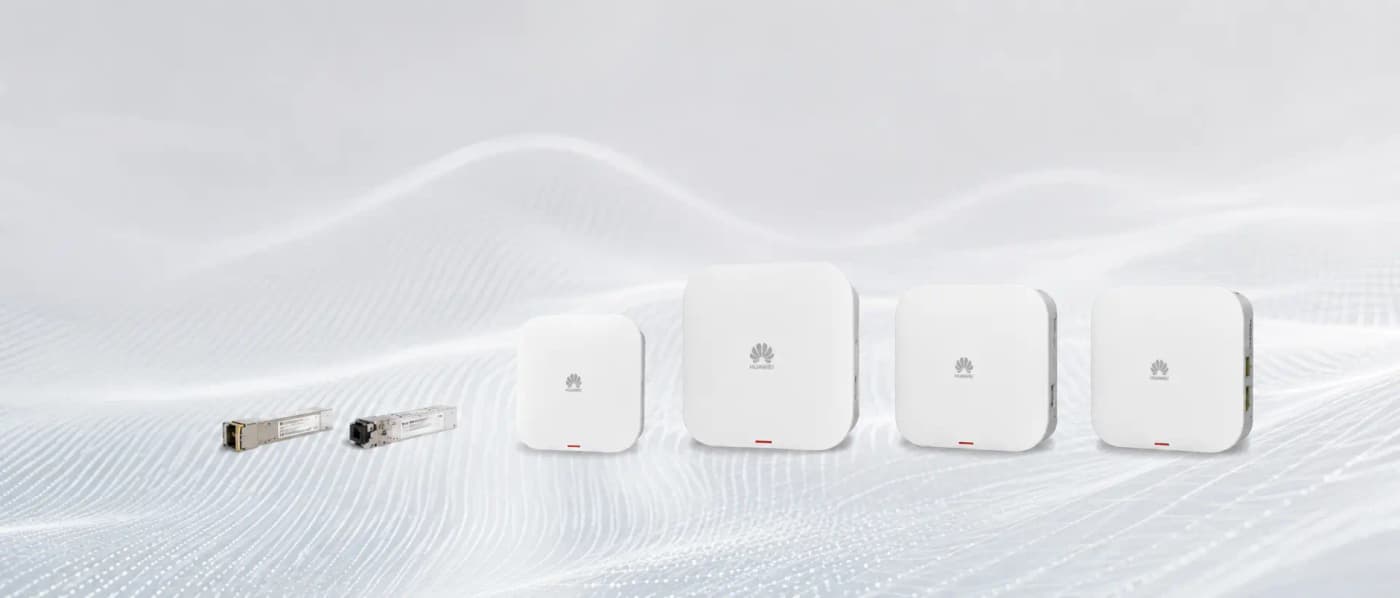
For UAE warehouse deployments, Netbiz Technology recommends the Huawei eKit AP371 ceiling-mount WiFi 6 access point. The AP371 provides dual-band 2.4/5 GHz WiFi 6 with 2x2 MU-MIMO, IP67 environmental rating, and a recommended installation height of up to 10 metres. It is powered by PoE and managed via the eKit cloud app.
The Huawei eKit S310 24P PoE switch (370W total budget) is the distribution switch of choice for most UAE warehouse floors. It provides 24 Gigabit PoE+ ports for APs and cameras, plus 4 SFP+ 10G uplink ports for fibre connections between switch stacks.
Scanner Connectivity Checklist
- Confirm scanner frequency band support (most professional scanners: 2.4 GHz and 5 GHz dual-band)
- Set dedicated SSID for scanners with WPA2-PSK (some older scanners do not support WPA3)
- Enable 802.11r fast BSS transition for scanners that roam across aisles
- Set QoS to prioritise scanner traffic (low-latency, not high-bandwidth)
- Disable aggressive power saving on scanner SSID to avoid dropped connections during long idle periods
- Test with scanners at the furthest point from each AP before sign-off
Netbiz Technology LLC designs and installs warehouse WiFi networks across UAE industrial zones including JAFZA, KIZAD, DIP, and ICAD. Contact us on WhatsApp for a site assessment.
Get a Warehouse WiFi Quote