
 +971 50 945 1020
Access Point vs WiFi Extender: Which Is Right for UAE Businesses?
By Netbiz Technology LLC · 4 September 2026
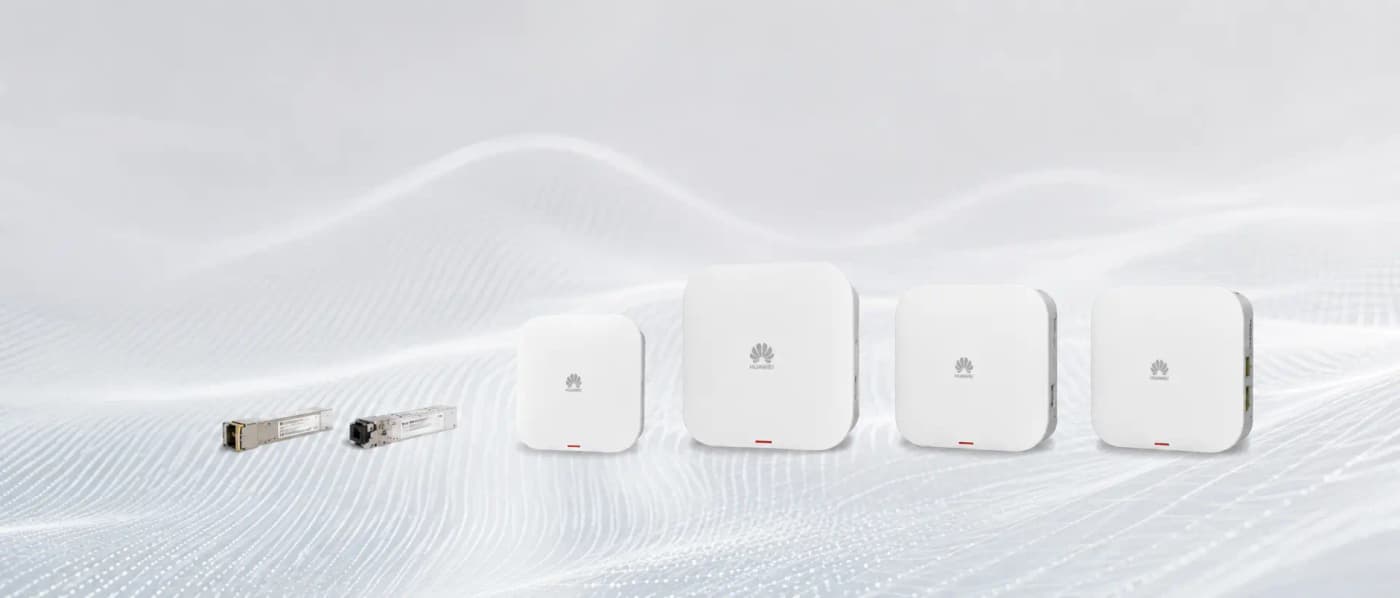
For any UAE business with more than one room to cover, a wired access point connected by Ethernet cable will always outperform a WiFi extender. Extenders are a consumer convenience product; they were never designed for environments where bandwidth and reliability matter. Understanding why requires understanding how extenders actually work.
How WiFi Extenders Work — and Why They Fail for Business
A standard WiFi extender (also called a repeater or range extender) receives your wireless signal, then re-broadcasts it on the same or a different channel. The fundamental problem: to relay your data, it must receive the packet from the router, then transmit it again. On a single-band extender, this happens on the same radio, which means the radio can only receive or transmit at any given moment — not both. The result: every packet traversing the extender introduces at least one full round-trip delay, and the maximum throughput for a client behind the extender is roughly half the throughput between the extender and the router.
A dual-band extender uses one band (usually 5 GHz) as the backhaul link to the router and the other band (2.4 GHz) for clients — or vice versa. This avoids the halving problem on the backhaul, but the client is now on 2.4 GHz, which is slower. More modern mesh systems use a dedicated backhaul radio, which works better — but still introduces latency versus wired backhaul and the backhaul radio competes for spectrum.
Why Wired Access Points Are Always Better for Business
A business-grade access point is connected to your network switch by a Cat6 Ethernet cable. Data flows from the client device wirelessly to the AP, then over copper wire to the switch at full 1 Gbps speed with sub-millisecond latency. There is no wireless backhaul penalty, no spectrum competition, and no latency introduced by a relay hop.
- Full 1 Gbps wired backhaul — no bandwidth halving
- AP transmits at full power dedicated to serving clients, not splitting time receiving backhaul
- Centralised management — all APs appear in one dashboard (Huawei eKit app)
- Seamless roaming — same SSID on all APs, clients roam based on signal strength
- VLAN support — separate guest, staff, CCTV, and VoIP on the same physical network
- PoE powered — one cable carries both data and power, no separate power adapter
Cost Comparison: Extender vs Access Point
The apparent cost advantage of extenders disappears when you look at the full picture:
| Item | WiFi Extender Setup | Wired AP Setup |
|---|---|---|
| Hardware | AED 150–400 per extender | AED 400–900 per AP |
| Backhaul | Wireless (free, but lossy) | Cat6 cable + PoE switch |
| Throughput at client | 25–50% of router speed | Up to 1 Gbps wired, full WiFi speed wirelessly |
| Reliability | Poor (RF interference) | High (wired backhaul) |
| Roaming | Manual or poor auto-roam | Seamless 802.11r across all APs |
| Management | Per-device web UI | Centralised (eKit app) |
| Lifespan in business use | 2–3 years before complaints | 5–8 years |
A hotel with 50 rooms might spend AED 20,000 on extenders and still have constant guest WiFi complaints. The same budget spent on 20 wall-plate APs with a PoE switch and Cat6 cabling delivers full-speed WiFi in every room, managed from a single phone app.
The Hotel Use Case: Why Wall-Plate APs Win
UAE hotels are the clearest example of why extenders fail at scale. A guest with a smartphone near the extender gets a decent signal. A guest in the room at the end of the corridor, or on the opposite side of two concrete walls from the extender, gets one bar and a streaming video that buffers every 30 seconds. They call the front desk. The front desk can do nothing.
The correct hotel WiFi solution is a Huawei eKit AP362E wall-plate AP in each room, or at minimum one corridor AP per 2–3 rooms. The AP362E is designed exactly for this: it mounts where the existing wall socket is, provides two Ethernet ports for the TV and a laptop, passes PoE power to an IP phone, and delivers WiFi 6 into the room at close range. Every room gets the same signal strength, the same throughput, managed from the eKit app on the hotel IT manager's phone.
When Extenders Are Acceptable
Extenders are acceptable only when cabling is genuinely impossible (a rented office with no access to ceiling voids, a listed historic building, a temporary pop-up retail installation). Even then, a mesh system (which uses a dedicated backhaul radio) is significantly better than a basic extender.
For a permanent UAE business premises — any office, hotel, school, clinic, or warehouse — there is always a way to run cable. Cat6 cable through conduit, through ceiling voids, or surface-mounted in trunking is a one-time installation cost that delivers reliable networking for the next decade.
Netbiz Technology LLC designs and installs wired WiFi access point networks for UAE businesses. If you are still using extenders and experiencing slow or unreliable WiFi, message us on WhatsApp for a site assessment.
Replace Your Extenders — Contact Us